
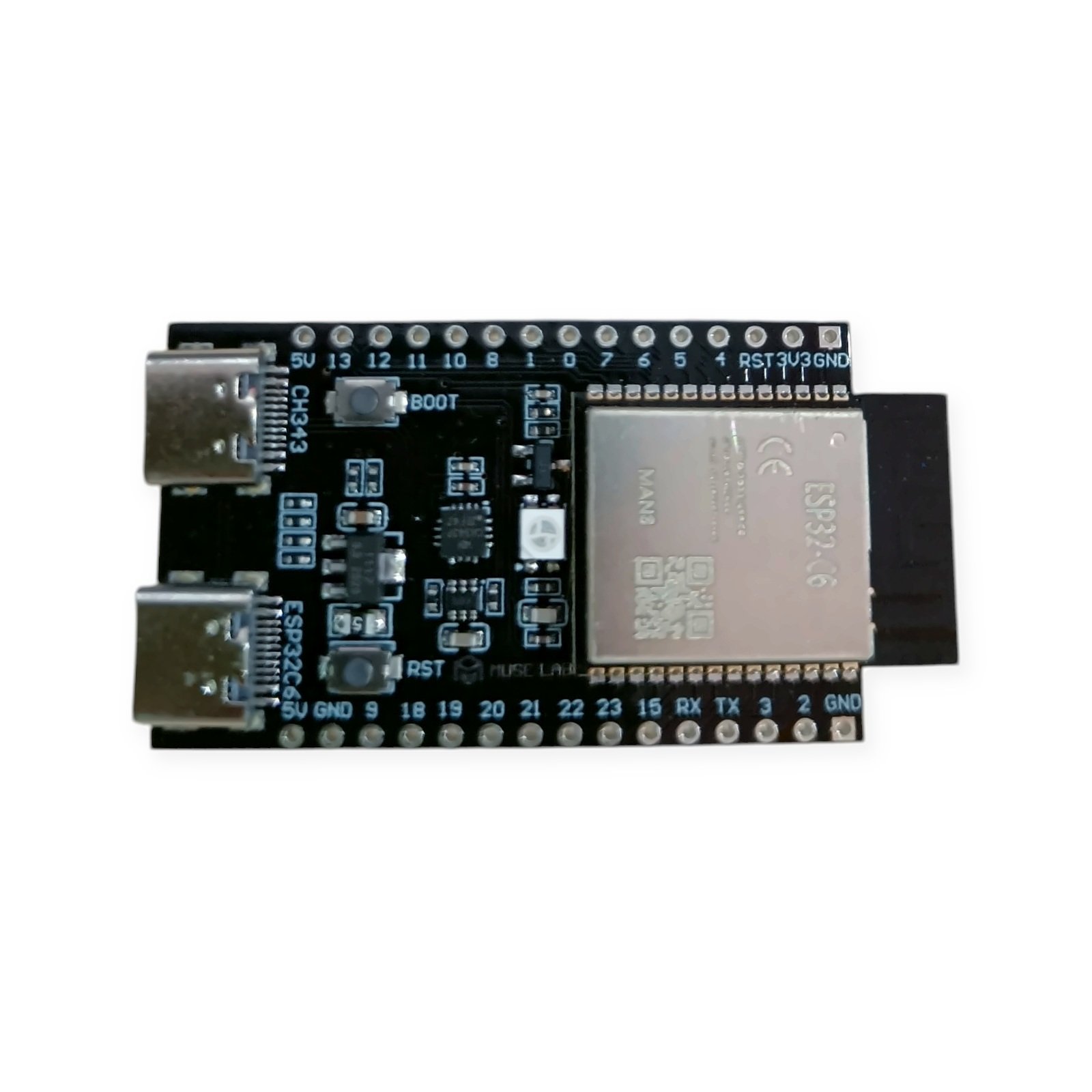
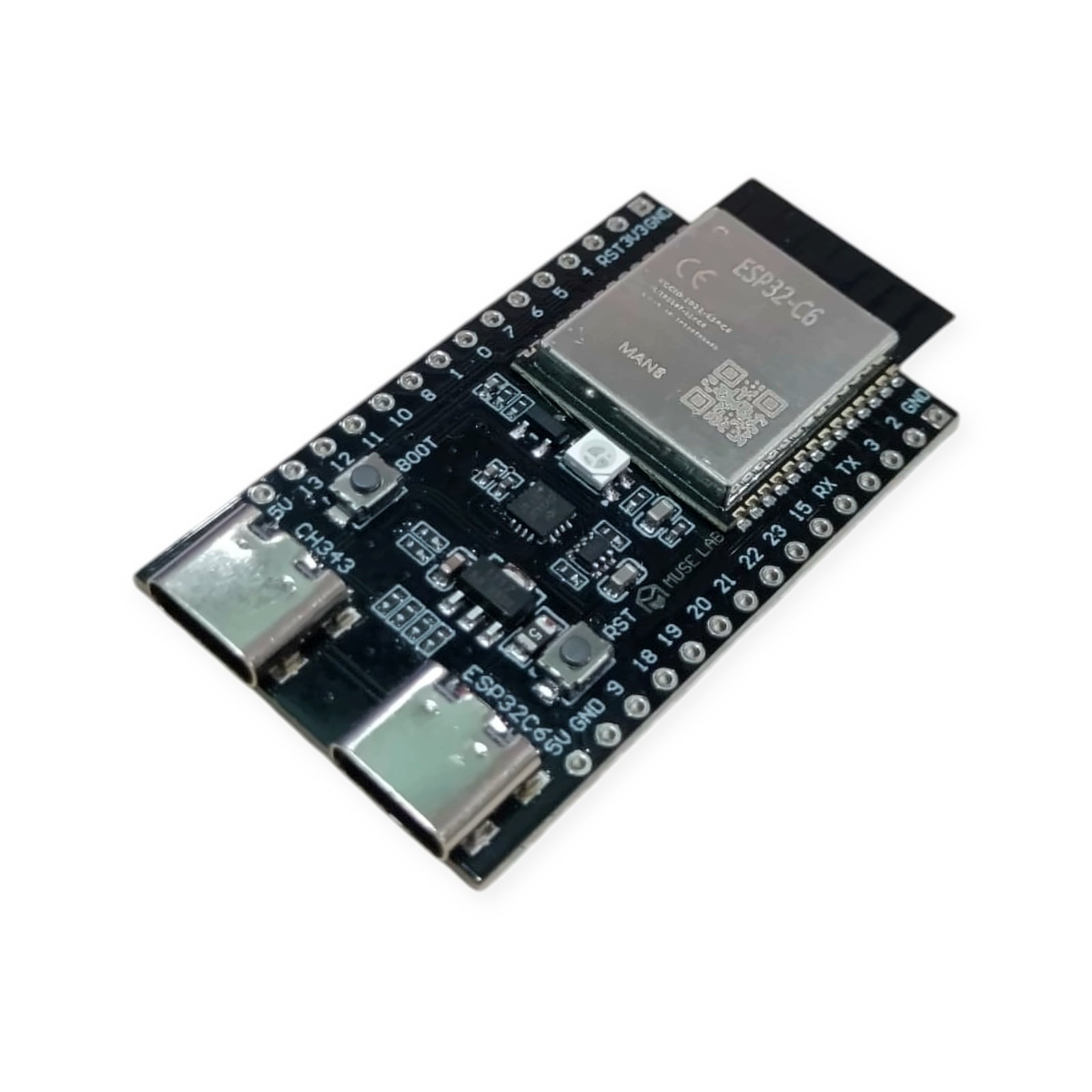
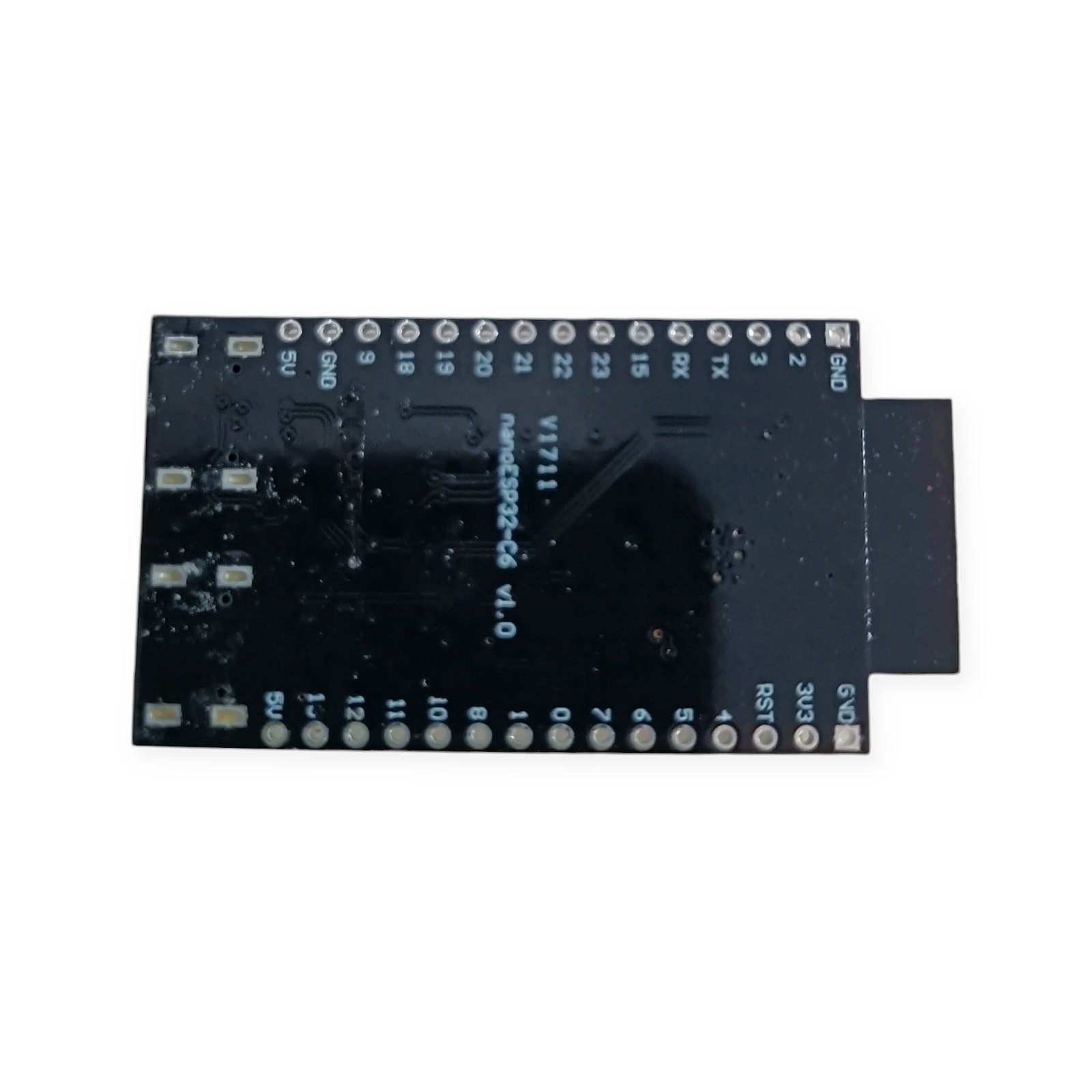
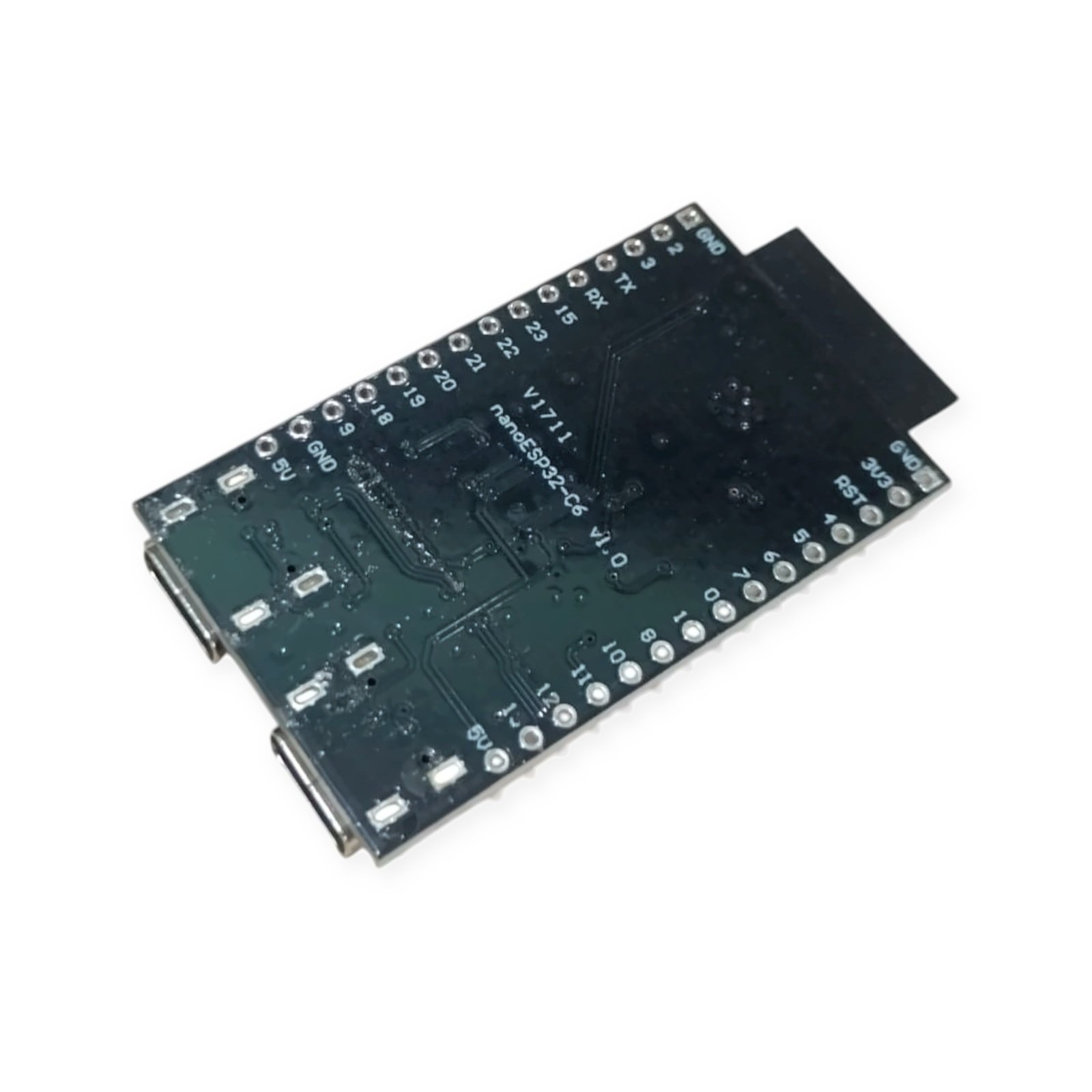
nanoESP32-C6 N8 ESP32 C6 Development Board with Wi-Fi 6, BLE 5, Zigbee, Thread and Dual USB Type-C
₹938.10 incl. GST (₹795.00 + GST)
Compact ESP32 C6 development board with 8 MB flash, Wi-Fi 6, BLE 5, Zigbee, Thread, dual USB-C, CH343 USB-to-serial and RGB LED.
Description
The MuseLab nanoESP32-C6 N8 is a compact ESP32 C6 development board designed for IoT, wireless automation, smart-home, Matter, Zigbee, Thread and embedded-system projects.
It is based on the Espressif ESP32-C6-WROOM-1-N8 module, which combines a 32-bit RISC-V processor with 2.4 GHz Wi-Fi 6, Bluetooth Low Energy and IEEE 802.15.4 wireless connectivity. The N8 version provides 8 MB of Quad SPI flash memory for firmware, libraries and application data.
Unlike many compact ESP32 boards, the nanoESP32-C6 includes two USB Type-C ports. One port connects through the onboard CH343 USB-to-serial converter for convenient programming and serial debugging. The second port is connected directly to the native USB interface of the ESP32-C6.
An onboard addressable RGB LED, BOOT button and RESET button simplify development and testing. The board can be programmed using the Arduino IDE or Espressif ESP-IDF, making it suitable for beginners as well as professional embedded developers. ESP32-C6 is officially supported by the Arduino-ESP32 platform.
Main Features
- ESP32-C6-WROOM-1-N8 module with 8 MB flash
- 32-bit RISC-V processor operating at up to 160 MHz
- 2.4 GHz Wi-Fi 6 connectivity
- Backward compatible with 802.11 b/g/n Wi-Fi
- Bluetooth 5 Low Energy support
- IEEE 802.15.4 radio
- Zigbee 3.0 and Thread 1.3 support
- Dual USB Type-C connectors
- Onboard CH343 USB-to-serial converter
- Native ESP32-C6 USB connection
- Onboard addressable RGB LED
- BOOT and RESET buttons
- PCB antenna
- Arduino IDE and ESP-IDF compatible
- Compact and breadboard-friendly design
The ESP32-C6 includes a high-performance RISC-V processor running at up to 160 MHz, a low-power RISC-V processor running at up to 20 MHz, 512 KB SRAM and 320 KB ROM.

Specifications
| Parameter | Details |
|---|---|
| Product name | nanoESP32-C6 |
| Board type | ESP32 C6 Development Board |
| Manufacturer | MuseLab |
| Module | ESP32-C6-WROOM-1-N8 |
| Flash memory | 8 MB Quad SPI flash |
| Main processor | 32-bit RISC-V processor |
| Maximum CPU frequency | Up to 160 MHz |
| Low-power processor | 32-bit RISC-V, up to 20 MHz |
| SRAM | 512 KB |
| ROM | 320 KB |
| Wi-Fi | 2.4 GHz IEEE 802.11 b/g/n/ax |
| Wi-Fi 6 | Supported |
| Bluetooth | Bluetooth 5 Low Energy |
| Bluetooth Classic | Not supported |
| IEEE 802.15.4 | Supported |
| Zigbee | Zigbee 3.0 capable |
| Thread | Thread 1.3 capable |
| USB connectors | 2 × USB Type-C |
| USB-to-serial | Onboard CH343 |
| Native USB | ESP32-C6 USB Serial/JTAG |
| Onboard LED | Addressable RGB LED |
| Buttons | BOOT and RESET |
| Antenna | Onboard PCB antenna |
| Logic level | 3.3 V |
| Programming | Arduino IDE and ESP-IDF |
| Interfaces | GPIO, UART, SPI, I2C, I2S, PWM, RMT, TWAI and ADC |
Wireless protocol support and peripheral availability are provided by the ESP32-C6 platform. Actual protocol operation depends on the selected firmware, libraries and software configuration.
USB Port Selection and Wiring
CH343 USB Type-C Port
Use the USB Type-C connector connected to the CH343 USB-to-serial converter for:
- Uploading programs
- Serial Monitor communication
- Firmware debugging
- Conventional UART-based flashing
- Automatic reset and download operation
This is generally the easiest USB port to use when programming the board through the Arduino IDE.
Native ESP32-C6 USB Type-C Port
Use the native USB Type-C connector for:
- USB CDC serial communication
- Native firmware flashing
- USB Serial/JTAG debugging
- Direct communication with the ESP32-C6 USB peripheral
The ESP32-C6 native USB interface supports USB CDC and JTAG. It should not be described as a general-purpose USB host port.
Native USB Pin Notice
The ESP32-C6 native USB signals use:
- GPIO12: USB D−
- GPIO13: USB D+
Avoid assigning GPIO12 and GPIO13 to other peripherals when using the native USB connection.
Power and GPIO Precautions
- The GPIO pins operate at 3.3 V logic.
- Do not apply 5 V directly to a GPIO pin.
- Use the USB Type-C connector for convenient board power.
- Connect all external sensor grounds to a board GND pin.
- Check the labels printed on the PCB before making connections.
- Pin availability may depend on the board revision and active USB functions.
Arduino IDE Setup

- Install the latest Arduino IDE.
- Open File → Preferences.
- Add the Espressif ESP32 board package URL to Additional Board Manager URLs.
- Open Tools → Board → Boards Manager.
- Search for esp32.
- Install the official esp32 by Espressif Systems package.
- Select a suitable generic ESP32-C6 development module from the board menu.
- Set the flash size to 8 MB when this option is available.
- Connect the CH343 USB Type-C port.
- Select the detected COM port and upload the program.
ESP32-C6 is included as a stable supported target in the official Arduino-ESP32 platform.
ESP-IDF Basic Flashing Commands
git clone https://github.com/espressif/esp-idf.git
cd esp-idf
./install.sh
. ./export.sh

cd examples/get-started/blink
idf.py set-target esp32c6
idf.py build
idf.py -p /dev/ttyACM0 flash monitor
The MuseLab factory test firmware normally flashes the onboard RGB LED after the board is powered.
Applications
- Wi-Fi 6 IoT devices
- Zigbee sensors and controllers
- Thread-based smart-home devices
- Matter-compatible product development
- Bluetooth Low Energy beacons
- Wireless sensor networks
- Smart switches and lighting controls
- Home automation gateways
- Industrial monitoring systems
- Environmental data loggers
- Battery-operated IoT devices
- Robotics and embedded automation
- Educational RISC-V projects
- Wireless prototyping
- USB CDC and JTAG development
Package Includes
- 1 × MuseLab nanoESP32-C6 N8 ESP32 C6 Development Board
Important Product Disclaimer
The product image is for reference only. The actual product may vary slightly in colour, component placement, PCB marking, connector type, header style or board revision depending on the available manufacturing batch.
Technical specifications are based on the manufacturer’s information and available documentation. Features such as Zigbee, Thread, Matter, Bluetooth and Wi-Fi require suitable firmware, libraries and software configuration.
Recommended Related Products
Explore relevant alternatives and complementary products selected from the full Robosap catalogue.
- ESP32-C5 Pro Super Mini Development Board – ESP32C5HF4 Dual-Band WiFi 6, Bluetooth 5.3, Zigbee 3.0 & Thread 1.4 – Unsoldered Header
- ESP32 Type-C CP2102 30 Pin Dev Board – Dual Core WiFi+BT
- ESP32 Type-C 38 Pin Dev Board – Dual Core WiFi+BT
- ESP32 WiFi Bluetooth BLE Development Board 30 Pin
- ESP32 WiFi+Bluetooth Dual Core ESP32 Development Board 38Pin
- ESP32-AIVoice-Z01 AI Large Model(LLM) Development Kit ChatGPT-4o/Llama 3 Voice Assistant Chatbot, Multi-model support
Frequently Asked Questions
What does N8 mean on the nanoESP32-C6 board?
N8 identifies the flash-memory version of the ESP32-C6-WROOM-1 module. The ESP32-C6-WROOM-1-N8 contains 8 MB of Quad SPI flash memory.
Does nanoESP32-C6 support Arduino IDE?
Yes. ESP32-C6 is officially supported by the Arduino-ESP32 platform. Install the official Espressif ESP32 package through Arduino IDE Boards Manager and select an ESP32-C6-compatible board configuration.
Which USB Type-C port should be used for programming?
The CH343 USB-to-serial port is normally the easiest option for uploading programs and using Serial Monitor. The second USB Type-C connector is connected to the ESP32-C6 native USB interface.
Can both USB ports power the board?
Both connectors are intended to provide USB access to the board. However, use only one USB power source during normal development unless the board documentation specifically permits simultaneous connection.
Does the ESP32-C6 support Wi-Fi 5 GHz?
No. ESP32-C6 supports Wi-Fi 6 in the 2.4 GHz band. It does not provide 5 GHz Wi-Fi connectivity.
Does it support Bluetooth Classic?
No. ESP32-C6 supports Bluetooth Low Energy. It does not support Bluetooth Classic.
Can this board be used for Zigbee projects?
Yes. The ESP32-C6 contains an IEEE 802.15.4 radio and supports Zigbee 3.0. Suitable Espressif libraries, SDK configuration and application firmware are required.
Can this board be used for Thread and Matter?
Yes. ESP32-C6 supports Thread 1.3 and can be used to develop Matter devices using Wi-Fi or Thread. Matter operation requires the appropriate Espressif framework, libraries and commissioning configuration.
Does the board work as a Zigbee coordinator automatically?
No. The hardware supports Zigbee, but the required coordinator, router or end-device firmware must be installed and configured.
What is the purpose of the onboard RGB LED?
The RGB LED can be used for status indication, testing, connection status, sensor alerts and visual feedback. The factory test firmware may flash the RGB LED when the board is powered.
What is included in the package?
- 1 × MuseLab nanoESP32-C6 N8 ESP32 C6 Development Board
Only logged in customers who have purchased this product may leave a review.



Reviews
There are no reviews yet